Turn Every Look Into a Shopping Experience

Transform campaign photography and seasonal collections into interactive lookbooks that inspire shoppers—and give them a direct path to purchase.

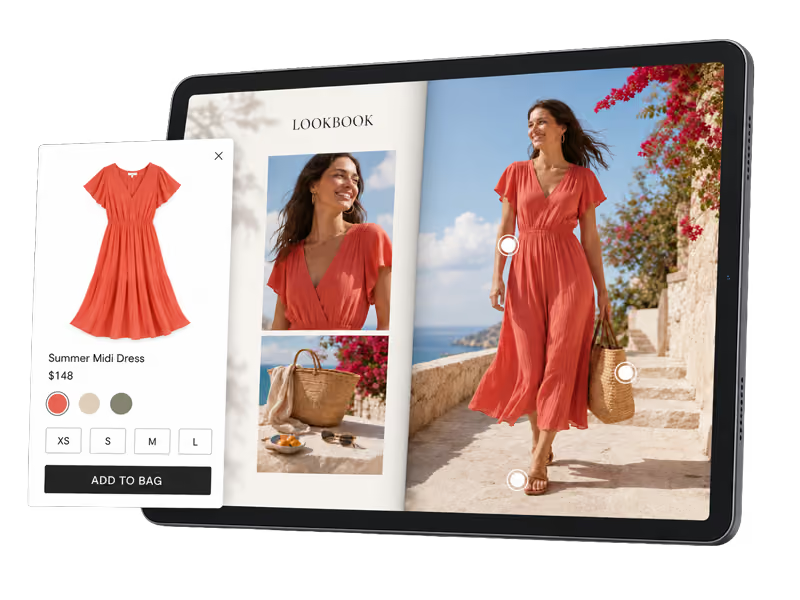
Tablet screen displaying a digital lookbook featuring a woman in a coral summer midi dress walking outdoors by a stone wall with flowers, holding a woven basket bag. The lookbook shows close-up images of the dress and accessories. An overlay panel on the left shows the dress details including price, color options, available sizes XS to L, and an Add to Bag button.

Beautiful imagery shouldn’t be
the end of the journey

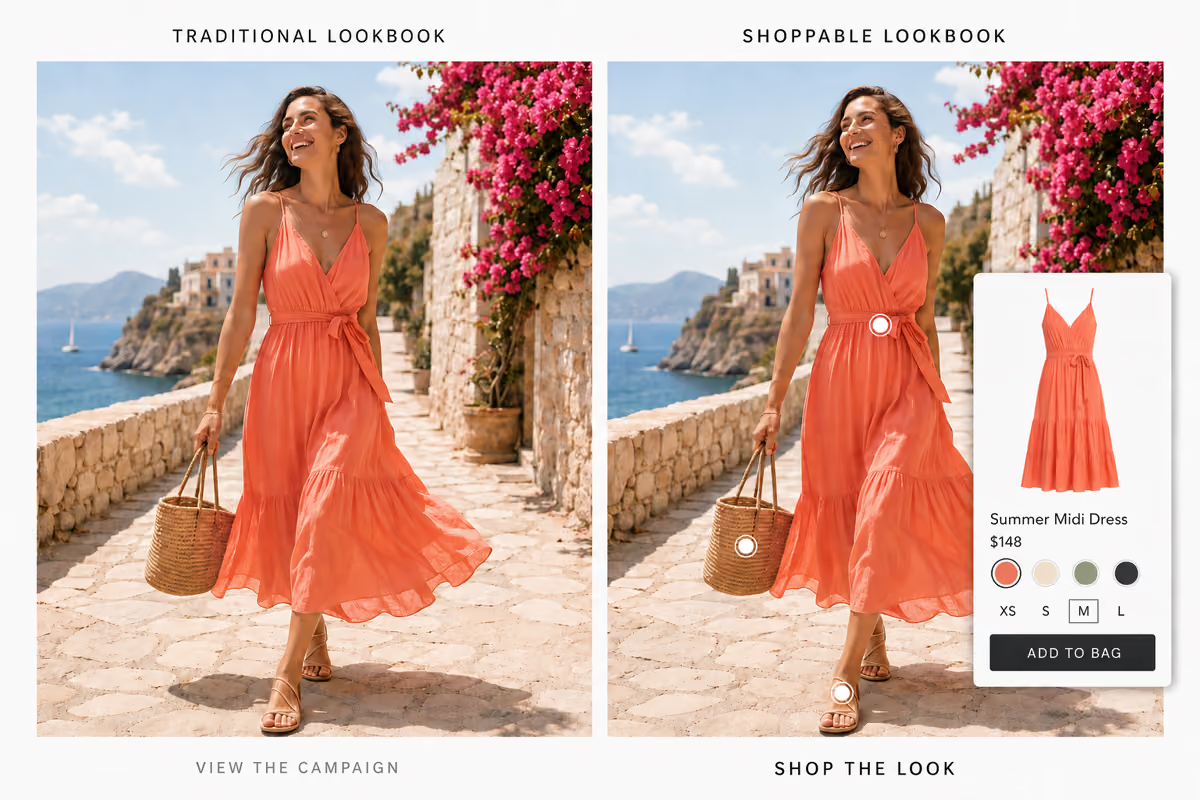
Traditional lookbooks inspire shoppers—but often leave them searching for the products they just discovered. Syndeca connects every look directly to product details, QuickViews, PDPs, videos, and more.

Feature Image
CheckBox Icon

Tag multiple products within one look

CheckBox Icon

Let shoppers explore products without leaving the experience

CheckBox Icon

Connect directly to existing PDPs and QuickViews

CheckBox Icon

Showcase complete outfits, rooms, collections, or stories

CheckBox Icon

Create responsive desktop and mobile experiences

CheckBox Icon

Embed lookbooks directly into your website

CheckBox Icon

Publish seasonal campaigns faster

CheckBox Icon

Measure product engagement and shopper behavior

Create a shoppable lookbooks in 3 simple steps

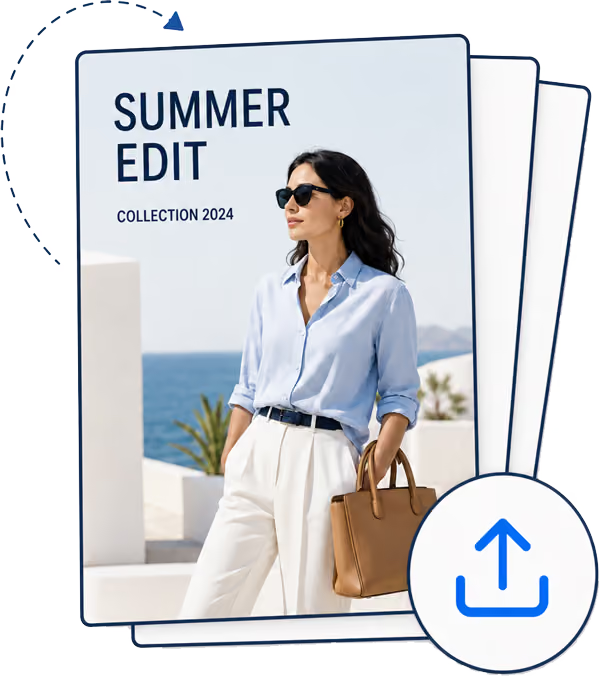
Turn any PDF into an interactive lookbook your customers can shop, share, and engage with.

1
Service Icon

Upload your lookbook

Start with a finished PDF from your
existing creative workflow.

2
Service Icon

Add shoppable content

Map products, add hotspots, QuickViews,
links, video, and calls to action.

3
Service Icon

Schedule and Publish

Embed your lookbook, share it across
channels, and track engagement.

Keep the editorial experience. Add a direct path to product discovery.

Black and white icon showing a generic representation of an image.

Shoppable hotspots

Connect products directly to the imagery in which they appear.

Icon of a web browser window with an eye symbol inside, representing a quick view feature.

Product QuickViews

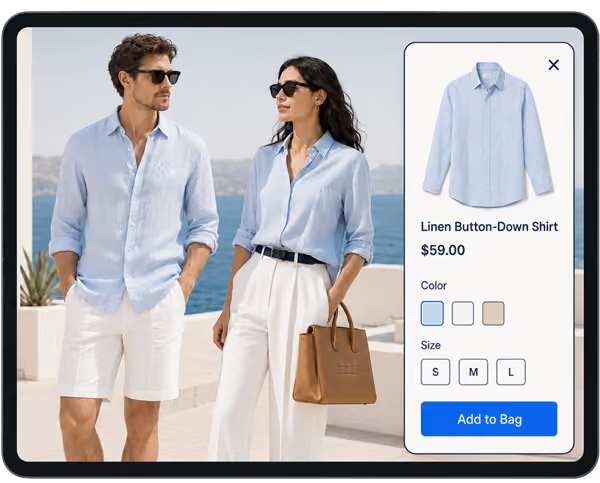
Show product details, pricing, options, and availability without interrupting the story.

White play button icon inside a rounded rectangle on a black background.

Video and rich media

Bring campaigns to life with movement, behind-the-scenes content, and product storytelling.

Icon of an open book with text lines on both pages representing reading or literature.

Flexible layouts

Create page-swiping, single-page, spread, mobile, or long-scroll experiences.
White icon of a web browser window displaying a code symbol with angled brackets inside.

Easy website embeds

Publish lookbooks directly within your existing website and shopping journey.

White icon of a bar chart with an upward trending line and an arrow, representing data analytics or tracking.

Engagement Analytics

Measure views, interactions, product interest, and paths to purchase.
Syndeca Powers Shoppable Content for

Leading Retailers & Brands

LogoLogoLogoLogoLogoLogo

Give Shoppers a Way to Explore Every Look

Use the campaign content you already have to create a richer path from inspiration to purchase.

Frequently Asked Questions About Digital Lookbooks

What is a shoppable lookbook?
Faq Icon
Can I use my existing campaign content?
Faq Icon
How do products become shoppable in a lookbook?
Faq Icon
Can lookbooks include video and other rich media?
Faq Icon
Will lookbooks work on mobile devices?
Faq Icon
Can I see how shoppers engage with a lookbook?
Faq Icon