
Shoppable product hotspots
Tag products directly within catalog imagery so shoppers can explore product details and start shopping without leaving the experience.

Traditional landing pages often mean design compromises, development queues, and disconnected shopping journeys. Syndeca lets your team launch rich campaign experiences while keeping shoppers enagaged, and not linking them away to PLPs and PDPs in order to shop.
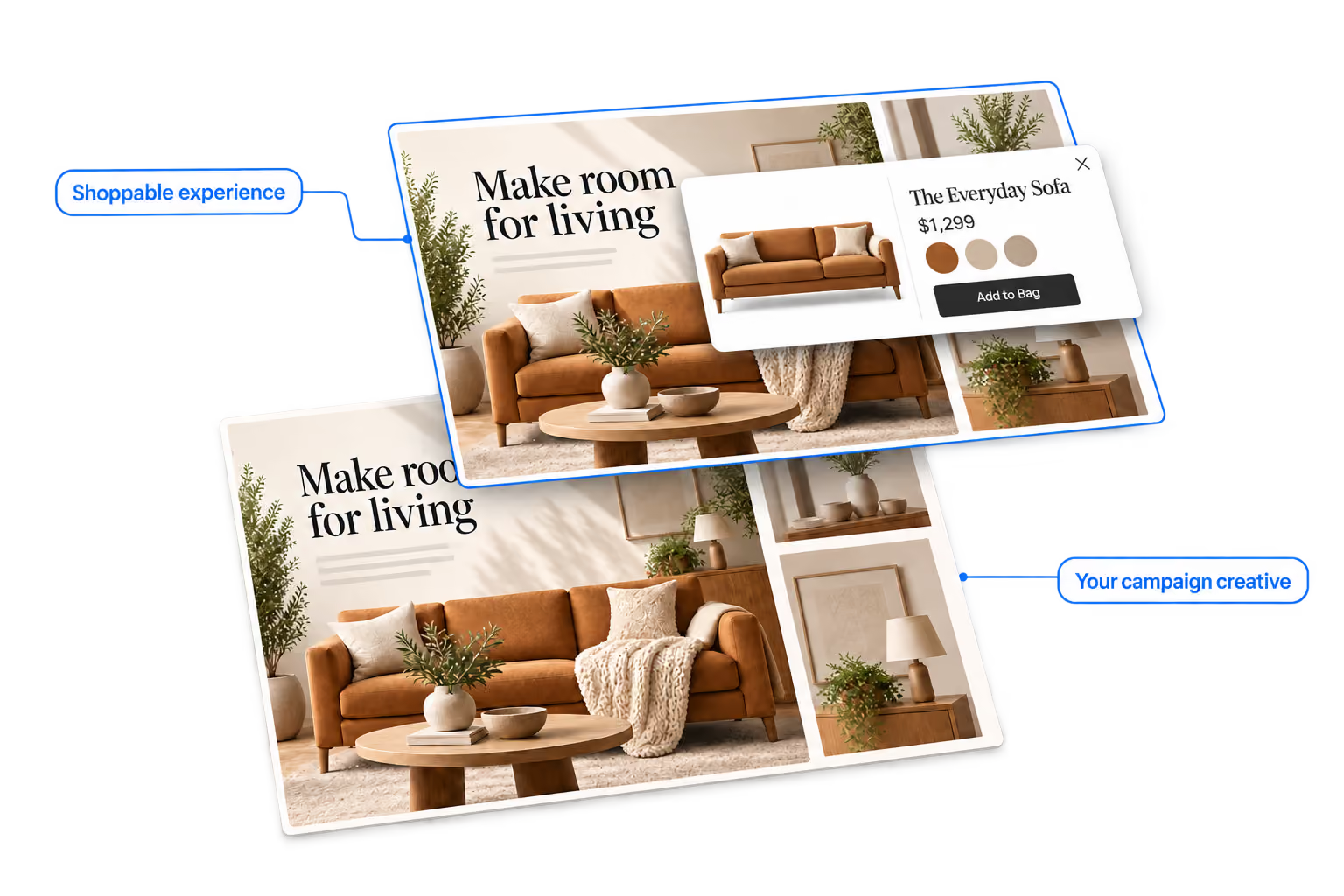

Design with the tools you already use
Turn campaign creative into interactive shopping experiences
Add product QuickViews, hotspots, video, and calls to action
Publish without a development sprint
Keep shoppers on your existing site and buying journey
Create tailored desktop and mobile experiences

Turn Inspiration Into Action
Lead with the lifestyle imagery and creative storytelling that inspires shoppers, then give them a direct path to every product they discover.

Shop the Complete Look
Highlight every product featured in the image. Shoppers can tap hotspots to view item details, explore variants, and Add to Bag directly from the image.

Increase AOV Without Promotions
Help shoppers discover complementary products and complete looks together—without relying on another discount to drive the sale.

Get More From Every Campaign
Extend the value of lifestyle photography and campaign creative by turning static content into interactive shopping experiences built to drive engagement and purchase.
Create with the tools your team already uses, add shoppable content, and publish directly to your site.
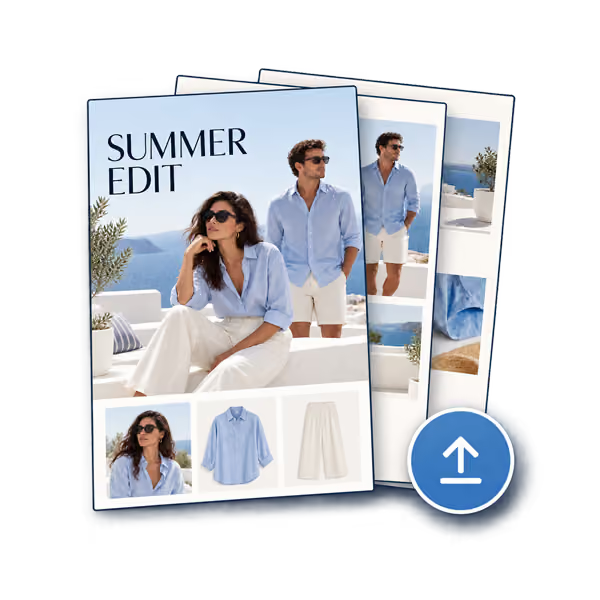
Upload your creative
Build in InDesign, Illustrator, Photoshop, or the tools your team already uses, then upload your PDF.
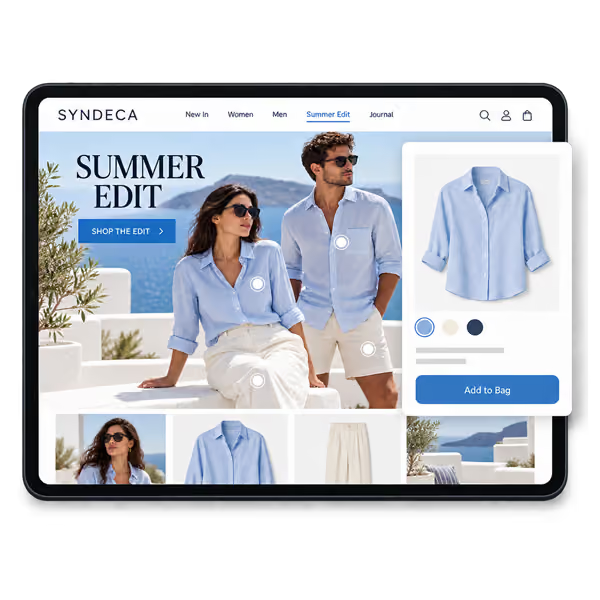
Add shoppable moments
Tag products, add QuickViews, links, video, calls to action, and other interactive content.
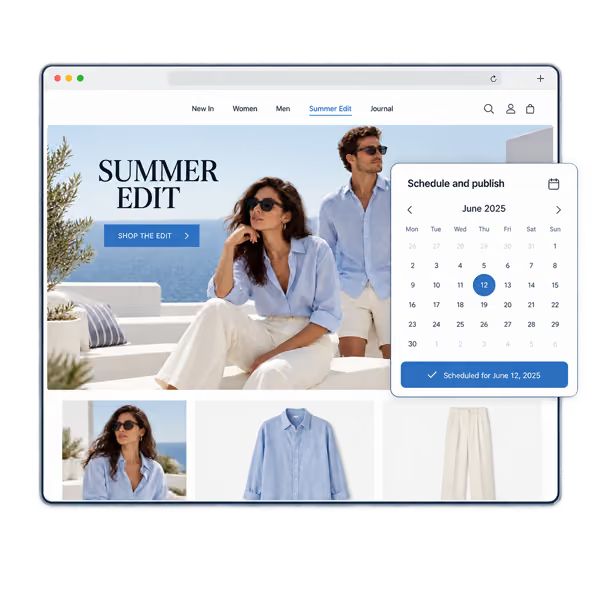
Schedule and Publish
Place the experience on your site, schedule it when needed, and see how shoppers engage.








Add products, video, rich media, and interactive content. Publish directly to your site and measure engagement, conversions, AOV, and more.

Shoppable product hotspots
Tag products directly within catalog imagery so shoppers can explore product details and start shopping without leaving the experience.

PDP and Quick View integration
Use the ecommerce experience you've already built. Connect catalog products directly to your existing PDPs and Quick Views, no separate storefront or disconnected buying journey.

Video and rich media
Add video, animated content, product demonstrations, and other media that bring catalog pages to life.

Flexible catalog layouts
Support single pages, two-page spreads, horizontal navigation, vertical scrolling, and other viewing formats.

Mobile-optimized experiences
Create responsive catalogs or provide a dedicated mobile version designed for smaller screens and touch interactions.

No-code campaign publishing
Launch seasonal catalogs and campaigns quickly. Replace catalog PDFs, update content, and republish without rebuilding pages or waiting on development.

Analytics and engagement tracking
Measure page views, product interactions, clicks, and shopper behavior through Syndeca reporting and analytics integrations.

Fast publishing and updates
Upload new PDFs, replace seasonal content, and publish updates without rebuilding pages or relying on a lengthy development cycle.
